
Username
Your default username is what gets pre-filled in the connect wizard. Servers may also store a registered name, see Identities.
Your profile is what others see when they click your name in the sidebar. Fancy Mumble lets you make it look the way you want.
Open it from Settings, Profile.
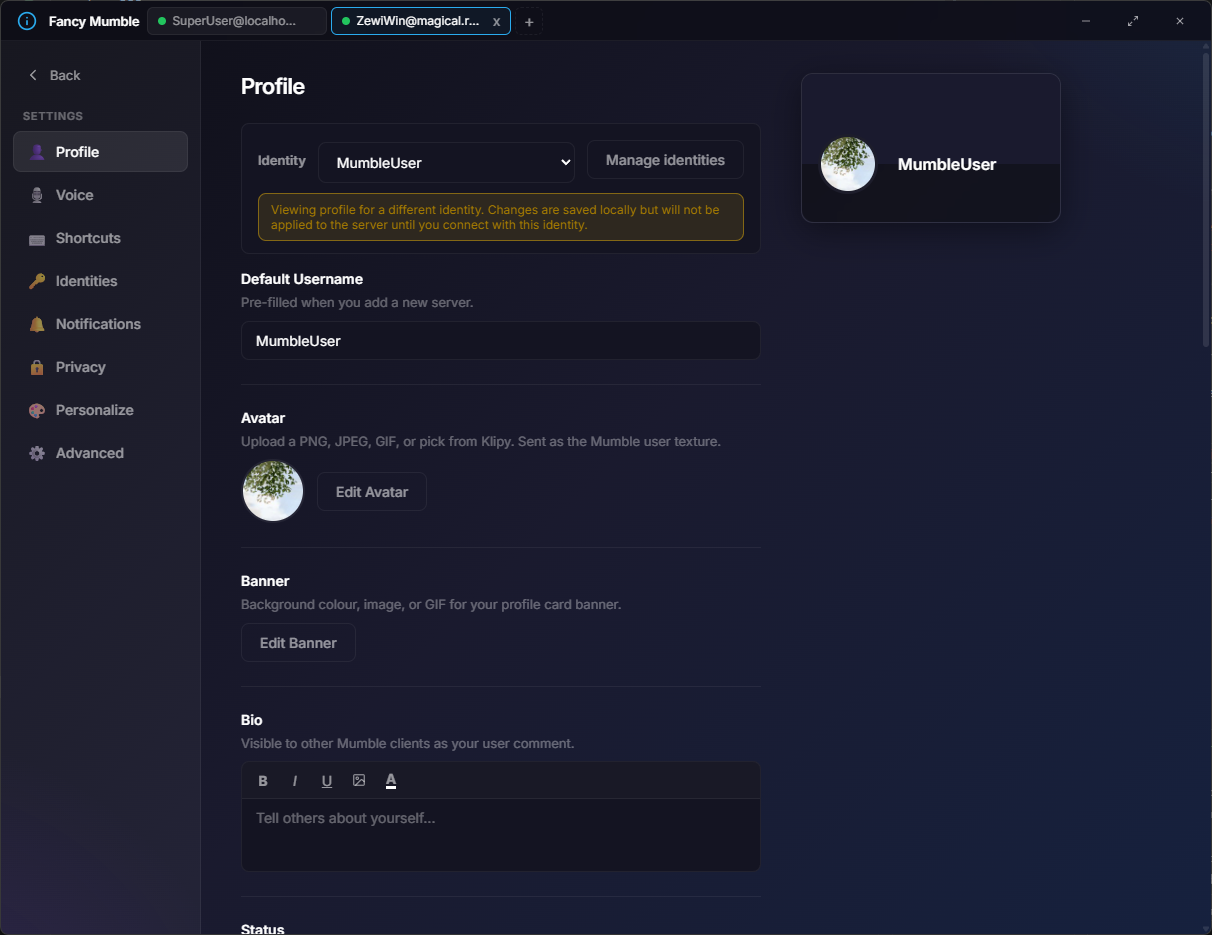
Username
Your default username is what gets pre-filled in the connect wizard. Servers may also store a registered name, see Identities.
Avatar
A square picture. Crop with the built-in editor.
Banner
Wide image shown on top of your profile card. Plain image or animated gradient.
Bio
A small text editor with bold, italic, color, and inline images.
Name style
Font, weight, italic, color, gradient, glow. Live preview.
Decoration
A small icon next to your name (sparkle, fire, ice, rainbow, gold, neon, glitch).
Nameplate
Gradient background behind your name in user lists.
Avatar frame
A colored or animated ring around your avatar.
Animated effect
Subtle effects on your card: particles, sparkle, snow, embers.
Custom CSS
Expert-only. Drop custom styles into the card for your power-user friends.
Open Settings, Profile.
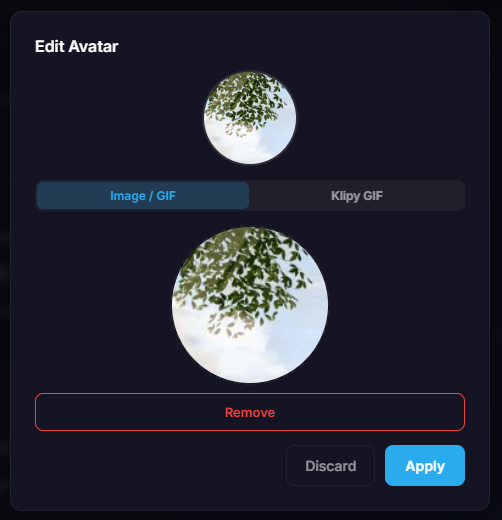
Click the avatar circle (or the Edit avatar button).
Drag and drop or browse for a PNG, JPG, GIF, or WebP.
The image editor opens. Crop to a square. The round mask is just how it looks, the file itself stays square.
(Optional) Toggle GIF to keep the source animated.
Click Save.
The banner sits above your profile card.
The bio editor supports:
The bio is shown to other people when they click your name. Length is capped at 2000 characters.
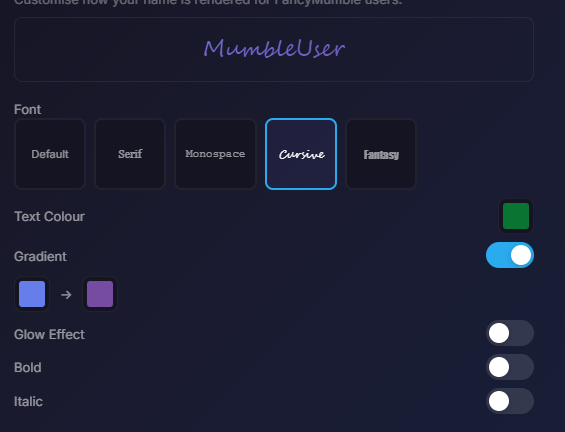
The Name Style section lets you restyle how your name renders in chat and in the sidebar. These styles only show to other Fancy Mumble users, vanilla Mumble shows your plain username.
Pick from a curated list (system, monospace, serif, display, pixel, handwritten).
Solid color, or a two-stop diagonal gradient. Toggle gradient and pick start and end swatches.
Bold, italic. Combinable.
Adds a soft glow around the text. Pick color and size (1 to 10 pixels).
Four layers stack on your card. All four are optional and can be combined.
| Layer | Where it shows | Examples |
|---|---|---|
| Frame | Ring around your avatar | None, Gold, Neon, Animated |
| Decoration | Small icon next to name | Sparkle, Fire, Ice, Rainbow, Gold, Neon, Glitch |
| Nameplate | Gradient behind name in lists | Ocean, Amethyst, Sunset, Gold, Silver, Rainbow, Dark |
| Effect | Animated overlay on the card | Particles, Sparkle, Snow, Embers |
The live preview card on the right of the panel updates as you pick.
If you use multiple identities, for example one for a gaming server and one for work, Fancy Mumble keeps a separate profile per identity. Switching identity automatically loads the right one.
| Field | Limit |
|---|---|
| Bio | 2000 characters |
| Avatar | 256x256, around 80 KB after compression |
| Inline bio image | 400x400, around 80 KB |
| Banner | up to about 1 MB |
Continue with Audio configuration so people can actually hear the well-dressed you.