
Install Fancy Mumble
Fancy Mumble runs on Windows, Linux, and Android. Pick your platform below.
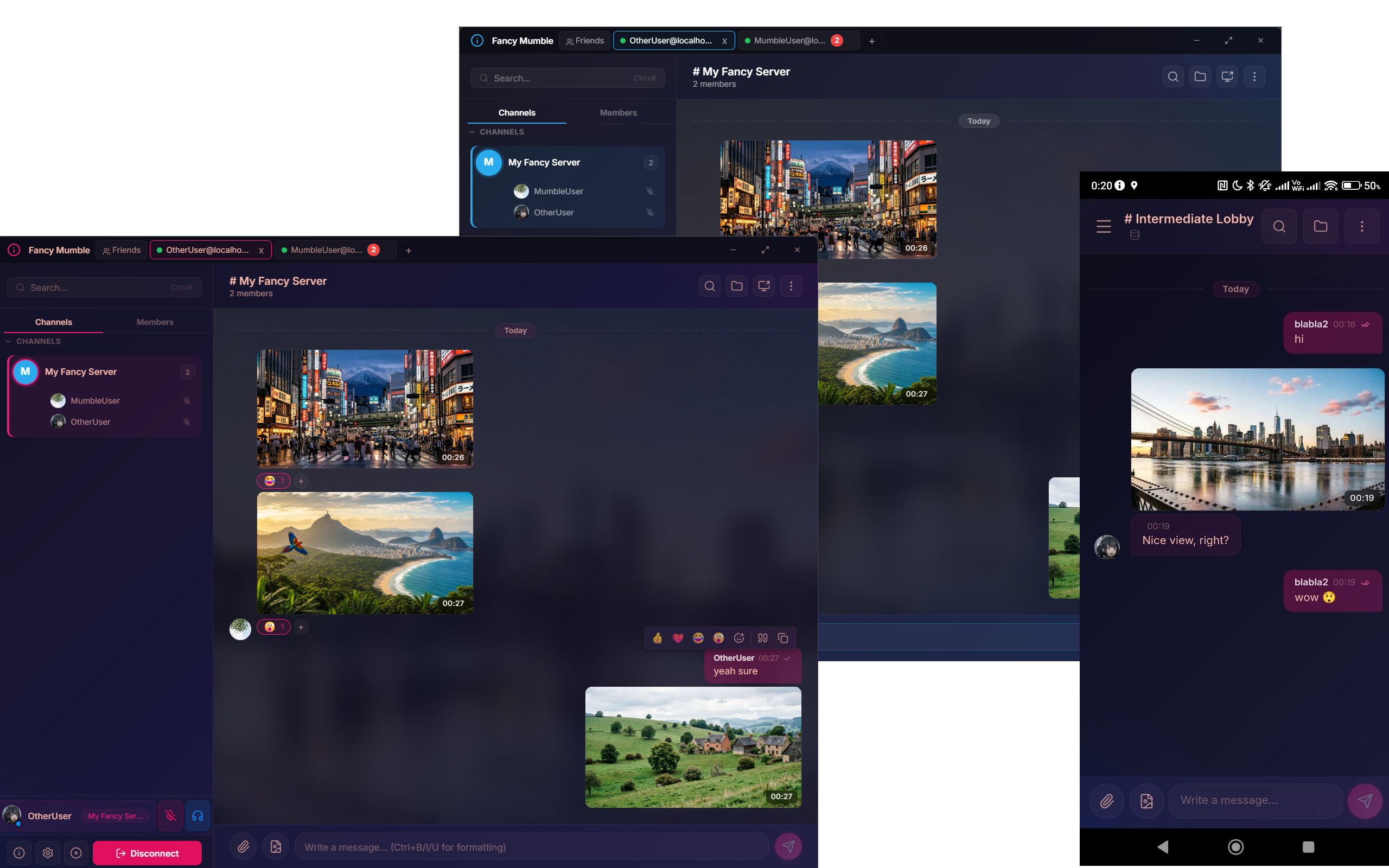
Windows
- Download the
.exeor.msiinstaller from fancy-mumble.com or the GitHub releases page. - Run the installer. Windows SmartScreen may warn you on the first run. Click More info then Run anyway.
- Launch Fancy Mumble from the Start menu.
- Continue to Connect to a server.
Linux
Three formats are published:
.debfor Debian, Ubuntu, and Mint.rpmfor Fedora and openSUSE.AppImagefor everything else
Debian / Ubuntu / Mint
sudo apt install ./fancy-mumble_*_amd64.debFedora / openSUSE
sudo dnf install ./fancy-mumble_*.rpmAppImage (any distro)
chmod +x fancy-mumble_*.AppImage./fancy-mumble_*.AppImageAndroid
Builds are published as both .apk (sideload) and .aab (for the
Play Store, when the listing goes live). To sideload the .apk:
- On your phone, allow your browser to install apps. The setting is under System, Apps, Special access, Install unknown apps.
- Download
fancy-mumble-x.y.z.apkfrom fancy-mumble.com or the GitHub releases page. - Tap the file to install.
- Open the app and continue to Mobile (Android).
Verify the install
Section titled “Verify the install”Launch the app. You should see the Welcome / Connect screen with a list of saved servers (empty on first run) and a + button.
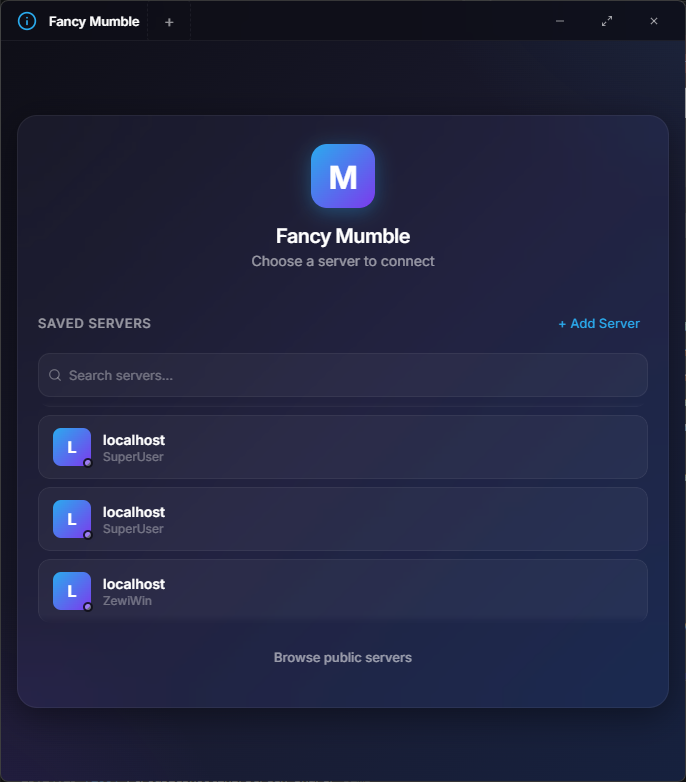
If you do not see this screen, check Common issues.
Next step
Section titled “Next step”Continue with Connect to a server.